Lightweight · free · no account

Roblox Lag
Two sources, one fix.

Roblox feels sluggish for one of two reasons: your PC is dropping frames, or your connection is slow. A lighter graphics profile and a steady frame cap can cure the first. The second lives in your network, not your GPU.

No background serviceFully free, no upsellsNo account or sign-upv1.0.0
Frame drops vs pingGraphics tuningWhat RAM sweep doesWhat it cannot fixWindows 10 & 11
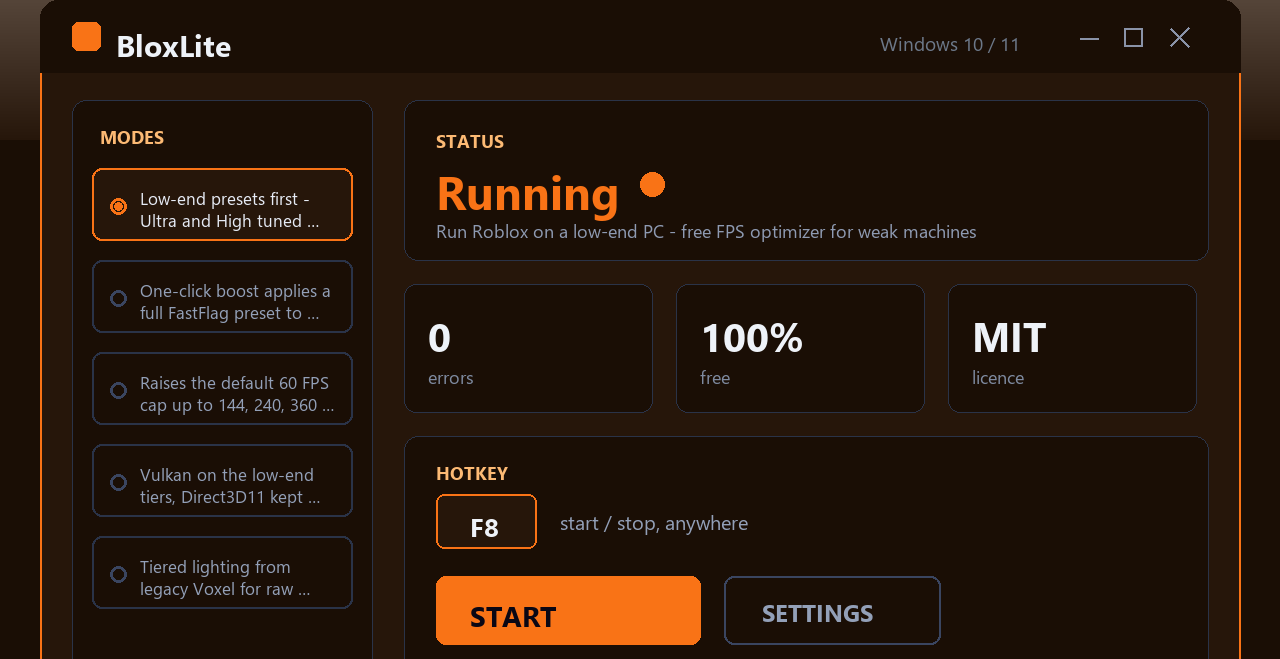
Roblox Lag Fix Tool app window on Windows
What improves
Inside the appRoblox Lag Fix Tool window

What actually improves when you clear headroom before launch.

When Roblox opens into a PC already busy with background tasks, it fights for RAM and CPU cycles from the start. Clearing that noise gives the game immediate breathing room.

Frame rate stays steadyOnce cached junk is flushed and idle processes park, your GPU does not compete for memory bandwidth mid-game, so frame pacing smooths out.
Micro-stutters vanishMicro-stutters happen when the CPU is already busy and cannot respond fast to input; raising Roblox priority cuts those hitches during camera turns and movement.
You notice it most on older hardwareA low-end PC with 8GB RAM and integrated graphics feels the difference immediately because every MB of free RAM matters.
Frame drops vs ping

Why memory sweep and process trim matter, and why they do not fix lag that comes from your connection.

Understanding the two causes of lag tells you what a local optimizer can and cannot do.

01

Frame drops come from your PC running out of resources

Your CPU or GPU cannot keep up with what Roblox asks them to draw each frame. A lighter graphics profile helps; so does freeing RAM before launch so Roblox does not start behind. A slow internet does not cause this.

02

Network lag comes from slow ping or packet loss

If your connection to the Roblox server is slow or unstable, your character will feel delayed and other players will move in stutters. No graphics tweak fixes this, because the bottleneck is your ISP, not your GPU.

03

You can tell the difference by watching other players

If other avatars jitter or teleport, your ping is high. If *your own* camera stutter when you turn, your frame rate is dropping. Most players have both to some degree.

04

This tool handles the frame rate side

It wipes RAM junk and parks idle background processes so Roblox launches into clean headroom. Your ping is unchanged because that lives outside your PC.

Three minutes to setup

How to use it before you play.

Three clicks, then launch Roblox the way you normally do.

Simpler than other tools

Why this beats other approaches to Roblox performance.

Most frame rate helpers are either too complicated or too invasive; this one sits in between.

 Roblox Lag Fix ToolOther PC optimizers
Setup complexityOne buttonSliders and profiles
Runs in backgroundNo, exits after boostYes, always watching
SetupShort installerAccount and sign-up
CostFree, alwaysFree trial + paywall
Fixes network lagNo, not possibleClaims it does (false)
Works offlineYes, fullyMost need cloud
Before you ask

Questions about frame rate, lag, and what this fixes.

Start with a PC that is not already choking on background tasks.

A simple memory sweep before launch turns out to be the difference between hitting your hardware's true frame rate and leaving 15–20 frames on the table.

Download for Windows
Latest release · v1.0.0

Roblox Lag Fix Tool guides